Best Tai Chi Apps for Beginners in 2026: Reviews and Alternatives
Published on April 24, 2026 | Updated on June 19, 2026

Laura Mitchell
Laura is a wellness content creator specializing in holistic health and movement for healthy aging. As an expert in Tai Chi and Qigong, she passionately integrates Chinese wellness practices into her daily lifestyle.

Table of Contents
- What Makes a Great Tai Chi App for Beginners
- Best Tai Chi Apps for Beginners: Reviewed
- Best Free Tai Chi Apps Worth Downloading
- Common Limitations of Tai Chi Apps
- How to Overcome Tai Chi App Limitations
- How to Choose the Best Tai Chi App for Your Goals
- How to Start Your Tai Chi Training Program with an App
- Why ZenFit Stands Out as a Holistic Tai Chi App
- FAQs
Learning tai chi through an app sounds convenient until you realize there are dozens of options, most promising the same things. Some deliver genuine instruction while others offer little more than background music and vague movement clips.
This guide reviews the best tai chi apps for beginners in 2026, comparing features like session length, free content, qigong integration, and platform availability so you can find one that actually fits how you want to practice.
What Makes a Great Tai Chi App for Beginners
The best tai chi apps offer guided, low-impact routines that help beginners improve balance, reduce stress, and learn qigong through step-by-step video instruction. Popular choices like 7 Minute Chi, Tai Chi at Home, and ZenFit provide short daily sessions—often with free trials—on both iOS and Android.
But not every app delivers the same experience. Some focus purely on movement instruction, while others weave in breathwork, meditation, and even nutrition guidance. Knowing what features actually matter helps you avoid downloading five apps before finding one that sticks.
Step-by-Step Video Instruction for All Levels
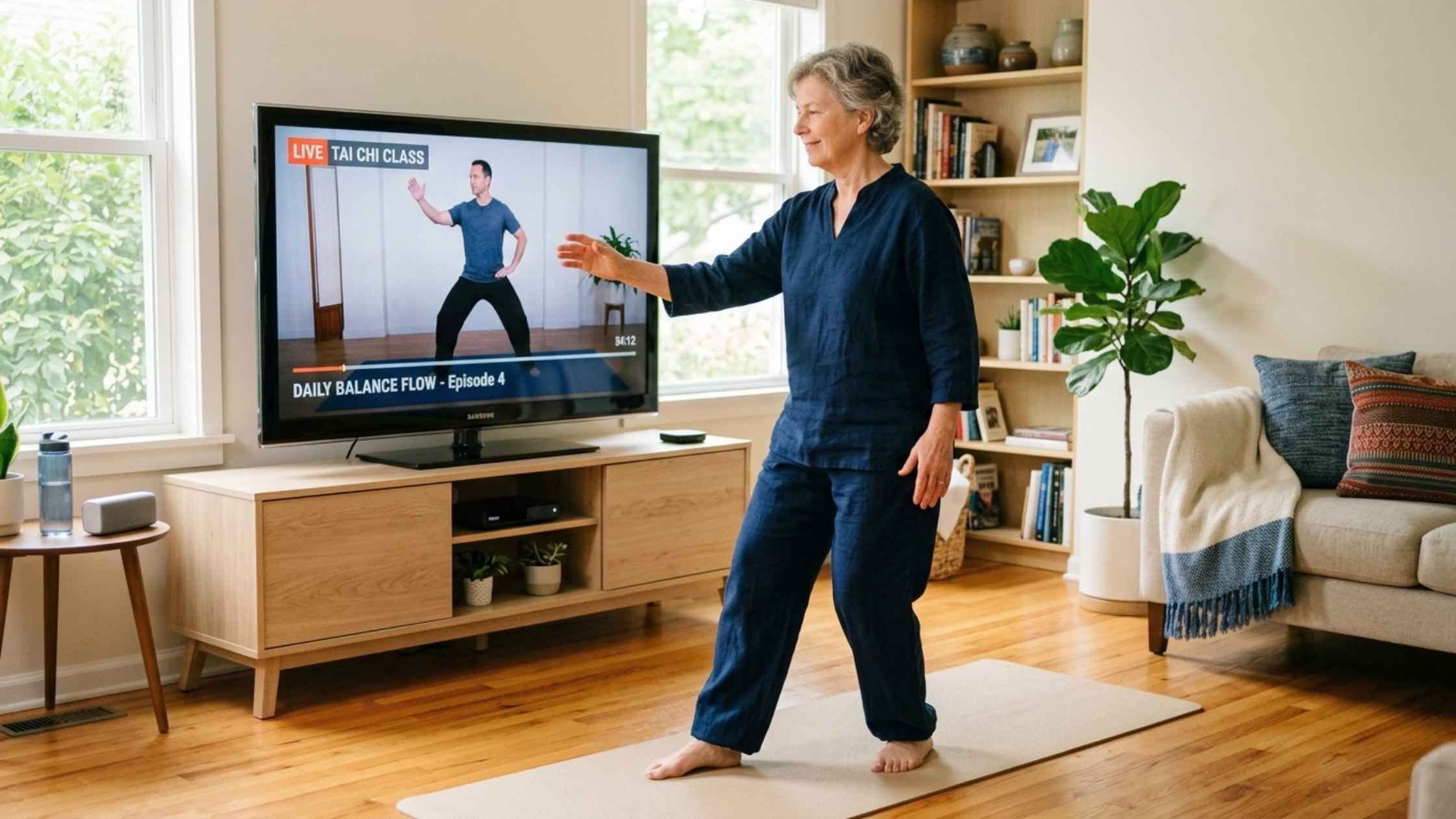
Learning tai chi from a screen works best when movements are broken into small, clear segments. The most helpful apps show each posture from multiple angles and explain why you're doing the movement, not just how.
Verbal cues matter just as much as what you see. When an instructor narrates breathing patterns alongside movement, you can coordinate body and breath without second-guessing yourself.
Short Sessions That Fit Busy Schedules
Most people looking for a tai chi app want something they'll actually do. Sessions under 15 minutes tend to build habits more easily, and many apps now offer routines as short as 5 to 7 minutes.
Here's the thing: consistency beats duration. A 10-minute daily practice produces better results than an hour-long session you only manage once a week.
Progress Tracking and Personalized Guidance
Apps with built-in tracking let you see improvement over time, which keeps motivation steady when progress feels slow. Some apps use AI to recommend routines based on your goals, energy levels, or how often you've practiced recently.
For beginners who aren't sure where to start, personalization removes the guesswork. Instead of scrolling through dozens of videos, you get a clear path forward.
Qigong and Breathing Integration

Device Compatibility for iPhone and Android
Most popular tai chi apps are available on both iOS and Android, though some offer additional features on tablets or smart TVs. Practicing on a larger screen can make following along with movements easier.
Check platform availability before committing to a subscription. A few apps remain exclusive to one operating system.
Free Features vs. Premium Plans
"Free tai chi app" usually means a limited selection of introductory lessons with premium content locked behind a subscription. This isn't necessarily a problem—free tiers let you test whether an app's teaching style works for you before paying.
Most apps offer 5 to 10 free sessions, with full libraries requiring monthly or annual subscriptions ranging from $5 to $15 per month.
Best Tai Chi Apps for Beginners: Reviewed
The right app depends on what you're hoping to get from your practice. Some focus purely on movement instruction, while others integrate nutrition guidance, meditation, and health tracking into a broader wellness platform.
| App Name | Best For | Session Length | Free Version | Platforms |
|---|---|---|---|---|
| ZenFit | Holistic wellness + TCM | 5–15 min | Yes | iOS, Android |
| 7 Minute Chi | Quick daily practice | 7 min | Yes | iOS, Android |
| Tai Chi at Home | Comprehensive form learning | Varies | Yes | iOS |
| Yang Tai Chi for Beginners | Traditional Yang-style | Varies | Paid | iOS |
| Daily Tai Chi | Simple routines | 10–15 min | Yes | iOS, Android |
ZenFit Tai Chi App

7 Minute Chi App
7 Minute Chi focuses on quick, meditative tai chi and qigong movements you can complete in under 10 minutes. The app works well for people who want a simple daily habit without committing to longer sessions.
The instruction style emphasizes calm and accessibility over comprehensive form training. If your primary goal is stress relief—whether through qigong or meditation—rather than learning complete tai chi sequences, this is a solid starting point.
Tai Chi at Home App
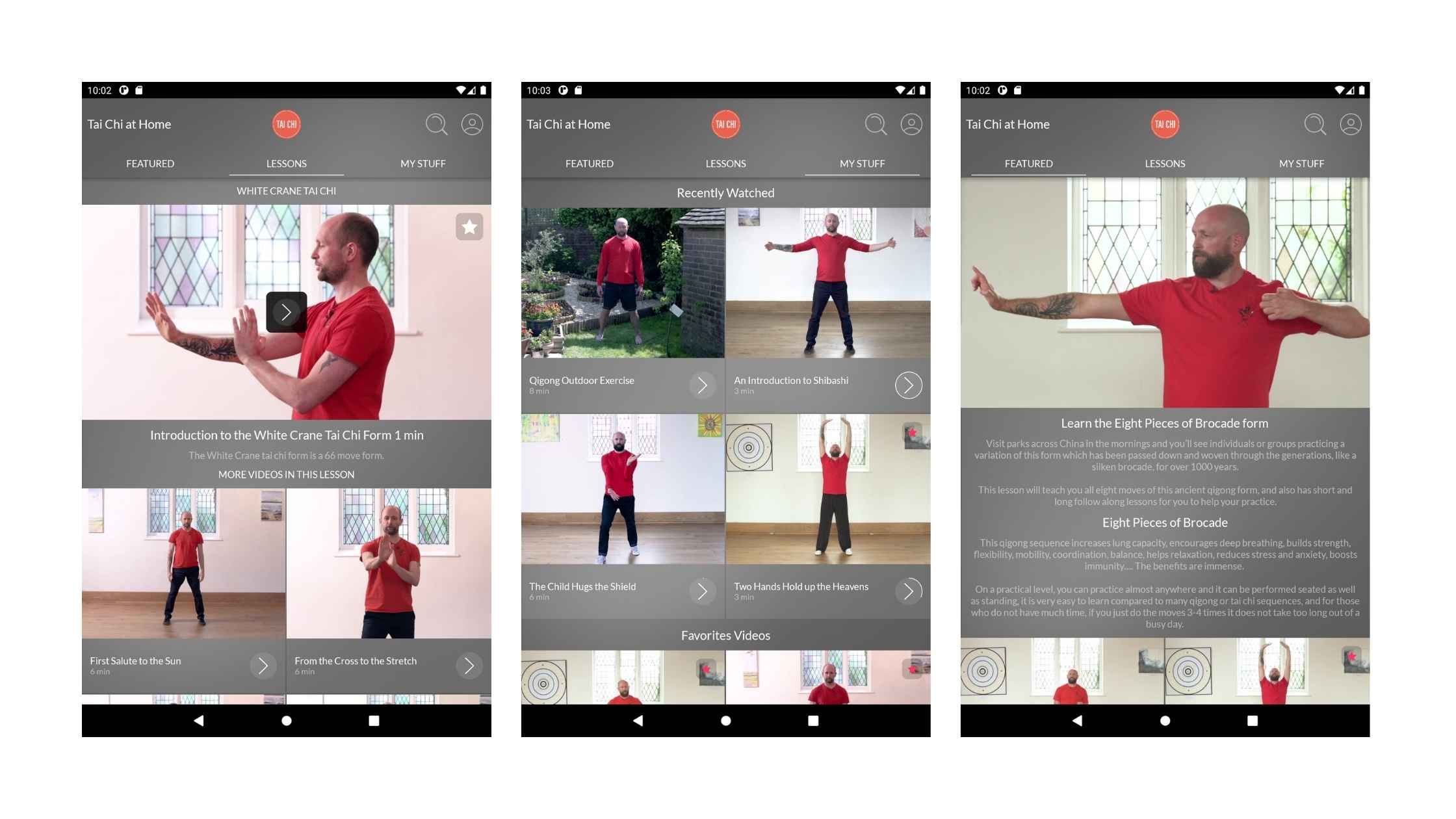
Tai Chi at Home offers comprehensive lessons including 66 moves of the White Crane style and Qi Gong meditation. The app provides free content on iPhone and iPad, making it one of the more generous free options available.
This choice suits learners who want deeper instruction in traditional forms. Sessions vary in length, so you can choose based on available time.
Yang Tai Chi for Beginners
This app from YMAA (Yang Martial Arts Association) provides detailed instruction from Dr. Yang, Jwing-Ming, a respected authority on traditional Yang-style tai chi. The teaching approach emphasizes martial arts foundations and precise form.
Yang Tai Chi for Beginners is a paid app without a free tier, but the quality of instruction justifies the cost for those interested in authentic traditional training.
Daily Tai Chi
Daily Tai Chi offers simple, accessible routines designed for habit-building. Sessions typically run 10 to 15 minutes and focus on gentle movements suitable for all fitness levels.
The app works well as a starting point, though it offers less depth than some alternatives for users who want to progress to more advanced practice.
Best Free Tai Chi Apps Worth Downloading
Free options exist for nearly every platform, though the depth of instruction varies. Here's what to expect from the best free tai chi apps currently available.

Best Free Tai Chi App for iPhone
ZenFit and Tai Chi at Home both offer meaningful free content on iOS. ZenFit provides introductory tai chi and qigong lessons alongside its broader wellness features, while Tai Chi at Home gives access to foundational White Crane style instruction.
Best Free Tai Chi App for Seniors
Free Tai Chi Workout Apps with Qigong
Apps combining tai chi with qigong and breathing exercises provide more complete stress relief and energy support:
-
ZenFit: Includes qigong, breathwork, and TCM-based guidance in free tier
-
7 Minute Chi: Offers meditative qigong movements in short sessions
-
Tai Chi at Home: Features Qi Gong meditation alongside tai chi forms
Free Tai Chi Walking App Options
Dedicated tai chi walking apps remain rare. However, several apps include walking meditation or gentle movement sequences that serve a similar purpose. Look for "tai chi walking" or "mindful walking" within broader tai chi apps rather than expecting standalone options.
Common Limitations of Tai Chi Apps
While apps provide excellent entry points for beginners, they come with inherent constraints worth knowing about before you start.
Lack of Real-Time Feedback on Form
Apps can't correct your posture or hand placement the way a live instructor can. You might practice a movement incorrectly for weeks without realizing it, which can limit progress or occasionally cause strain.
Difficulty Learning Complete Tai Chi Forms
Most apps teach tai chi in segmented lessons, which makes individual movements easier to learn but harder to connect into flowing sequences. Transitioning from isolated postures to a complete form often requires additional guidance.
Missing Community and Instructor Connection
The social support and personalized correction of in-person classes doesn't translate to app-based learning. Some practitioners find this isolation makes staying motivated harder over time.
Unrealistic Promises About Session Length
Be cautious of apps promising mastery in very short sessions. While brief daily practice builds real benefits, developing genuine tai chi skill requires consistent effort over months, not days.

How to Overcome Tai Chi App Limitations
App-based learning has constraints, but a few simple strategies can fill the gaps.
Combine App Practice with Occasional Live Classes
Supplementing app learning with periodic workshops or online live sessions helps refine form and catch errors you might miss on your own. Even quarterly check-ins with an instructor can make a noticeable difference.
Use a Mirror or Record Yourself to Check Form
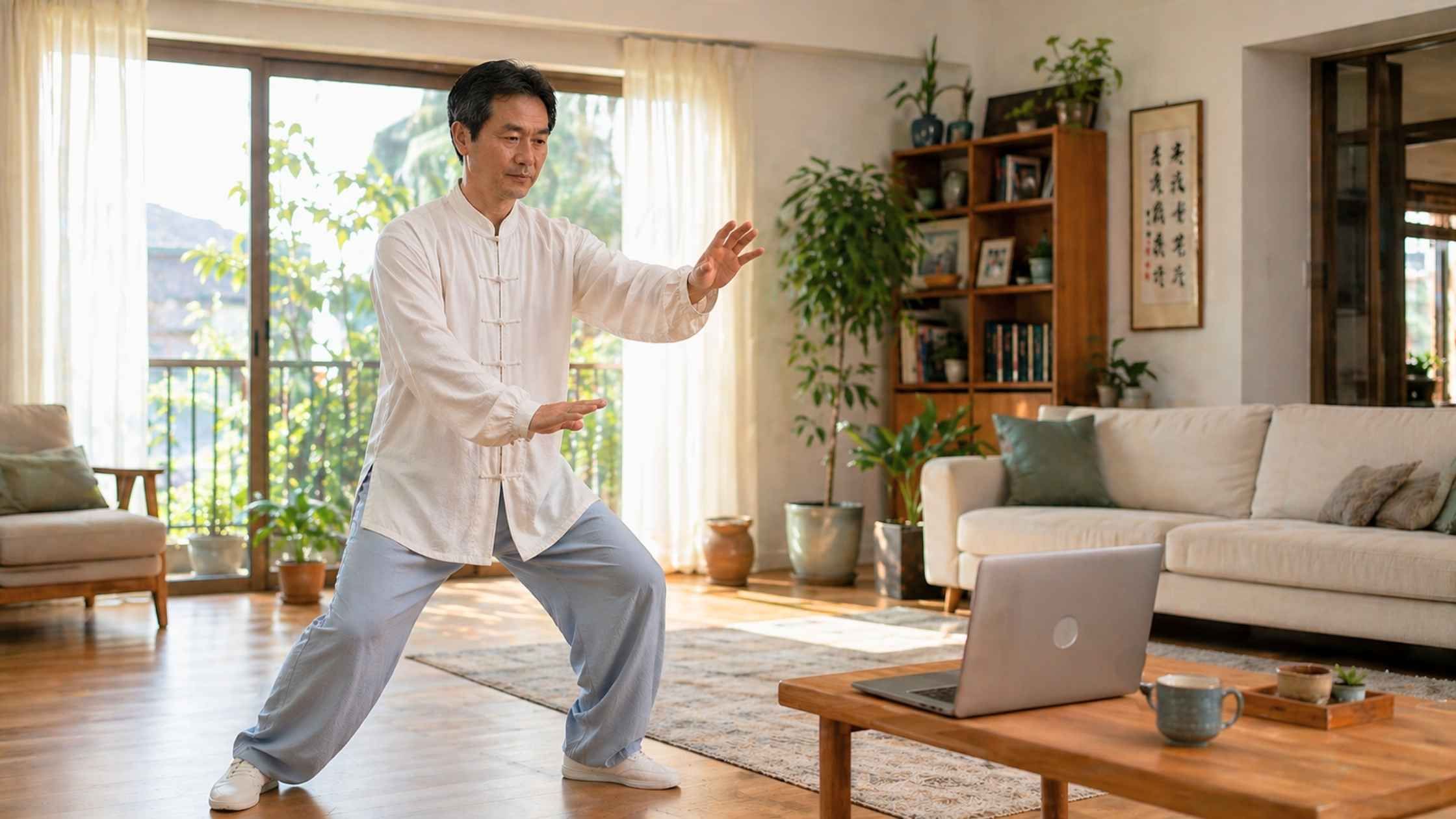
Practicing in front of a mirror or recording yourself on video allows you to compare your movements against the instructor's demonstration. This self-review technique catches posture errors without requiring external feedback.
Join Online Tai Chi Communities for Support
Forums, Facebook groups, and app-based communities provide spaces to ask questions, share progress, and stay motivated. Many practitioners find that social connection—even online—helps sustain long-term practice.

How to Choose the Best Tai Chi App for Your Goals
The right app depends on what you're hoping to achieve. Different goals point toward different features.
Best Tai Chi App for Stress Relief and Mindfulness
Best Tai Chi App for Balance and Fall Prevention
Best Tai Chi App for Flexibility and Joint Health
Best Tai Chi App for Holistic Wellness and TCM Integration

How to Start Your Tai Chi Training Program with an App
Getting started is simpler than you might expect. A few straightforward steps help you build a sustainable practice from day one.
1. Download Your Chosen App and Create a Profile
Profile setup often unlocks personalized recommendations based on your age, fitness level, and goals. Taking a few minutes to complete this step—rather than skipping straight to videos—pays off in better-matched content.

2. Begin with a Beginner-Friendly Tai Chi Workout
3. Build a Consistent Daily Practice Habit
Short daily sessions matter more than occasional long practices. Most apps include reminder features and streak tracking to help you stay consistent during the early weeks when motivation can waver.
4. Track Your Progress and Energy Levels
Logging mood, energy, and practice streaks helps you see improvement over time. This visibility keeps motivation steady during the early weeks when changes feel subtle.
Why ZenFit Stands Out as a Holistic Tai Chi App
ZenFit brings together tai chi, qigong, TCM-based nutrition guidance, AI personalization, and health tracking in one platform. The app is designed for busy adults who want balance of body, mind, and spirit without spending hours each day on separate practices.
The approach translates Traditional Chinese Medicine concepts—like qi flow and yin-yang balance—into practical daily routines that fit into 10 to 15 minutes. Whether you're drawn to movement, mindfulness, or both, everything connects in one place.
FAQs
Is the Tai Chi at Home app free?
Tai Chi at Home offers free lessons for tai chi and qigong on iPhone and iPad, with optional premium content available for purchase. The free tier includes enough material to get started with foundational practice.
Can you learn tai chi effectively using only an app?
Apps provide excellent guided instruction for beginners, and many practitioners develop meaningful skills through app-based learning alone. Supplementing with occasional live classes can help refine form and posture for those who want deeper mastery.
How long does it take to see results from practicing tai chi with an app?
Are tai chi apps suitable for seniors with limited mobility?
Yes, the best tai chi apps for seniors feature gentle, low-impact routines specifically designed for users with mobility limitations or joint concerns. Look for apps that explicitly mention senior-friendly or adaptive content.
Do tai chi apps work offline without an internet connection?
Many tai chi apps allow users to download lessons for offline practice, though features vary by app. Check offline availability before subscribing if you plan to practice without reliable internet access.
What is the best tai chi app for complete beginners?
ZenFit and 7 Minute Chi are top choices for complete beginners due to their step-by-step instruction, short sessions, and beginner-friendly design. Both apps assume no prior experience and guide you through foundational movements at a comfortable pace.